BoxerBase
Event draws#
The draw places boxers in bracket positions within each group and generates the tournament matches. The process has three phases: choose the draw mode in event settings, make sure boxers are eligible and groups are prepared, then run the draw per group or for all groups at once. After a draw, matches are generated and planned; changing participants requires a reset.
Step 1: Choose the draw mode#
In Event settings under advanced settings, choose how automatic placement works:
- Random (default)
- Asymmetric
- Symmetric
In Random mode, placement is constrained so a boxer does not skip two stages. For example, in a group of 5 boxers, a boxer is not placed straight into the final.
Step 2: Check draw eligibility#
Only boxers with a completed check-in or weigh-in are included in the draw. Boxers without one stay outside the bracket until they are cleared.
Step 3: Prepare groups#
In the Groups tab, expand a group before drawing it to access the group tools:
- Split: divide a group with too many boxers into two groups.
- Merge: combine groups again if needed.
Do this before the draw, because matches cannot be generated yet.
Step 4: Run the draw#
You can draw one group or all groups at once.
Draw one group#
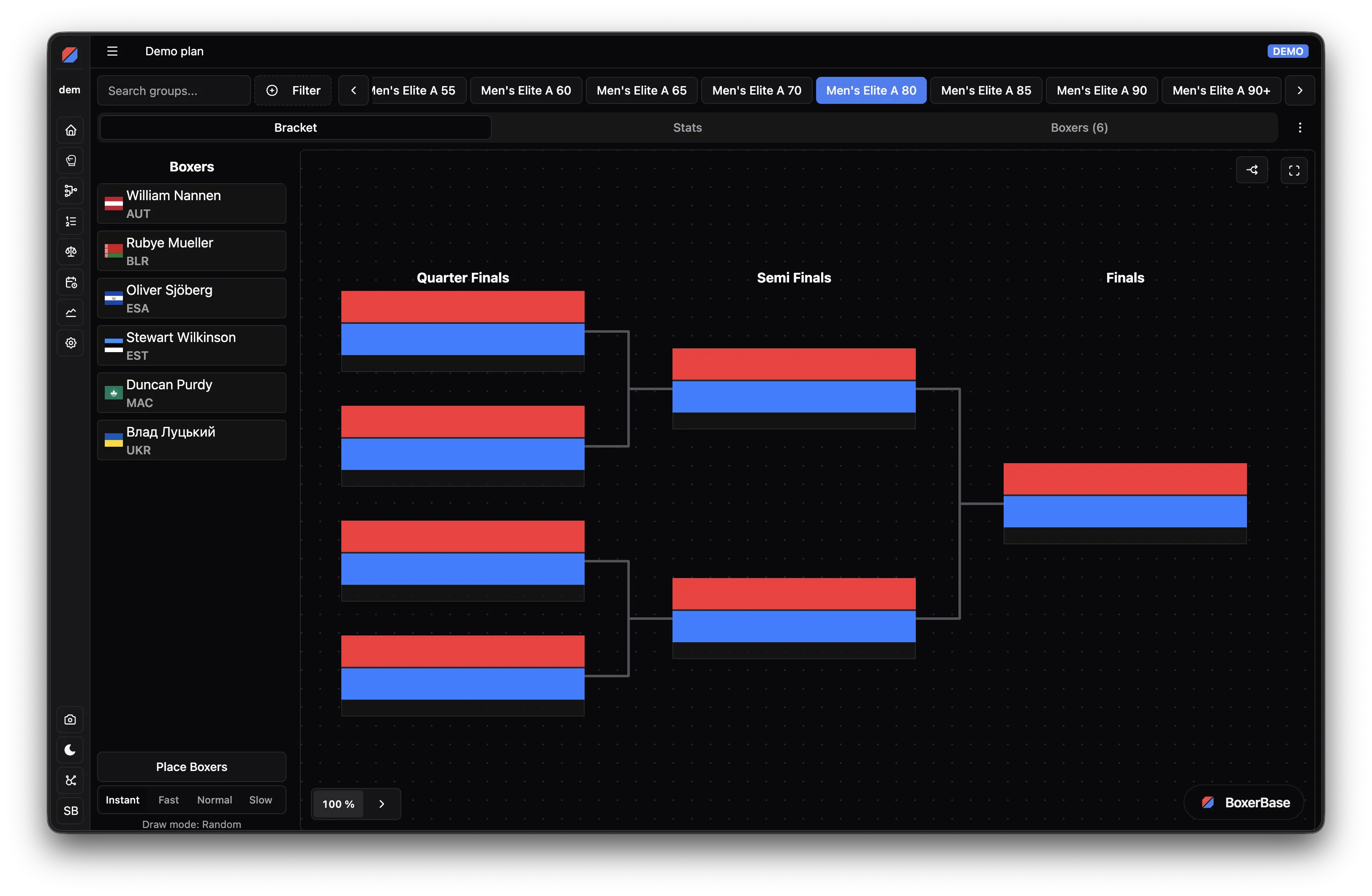
Open the group draw page:
- Place seeded boxers manually by drag and drop, or by right-clicking a boxer and using the Place context menu action.
- Click Place boxers to place all remaining unplaced boxers randomly, following the selected draw mode constraints.
This lets you combine manual seeding with automatic completion.
Draw all groups#
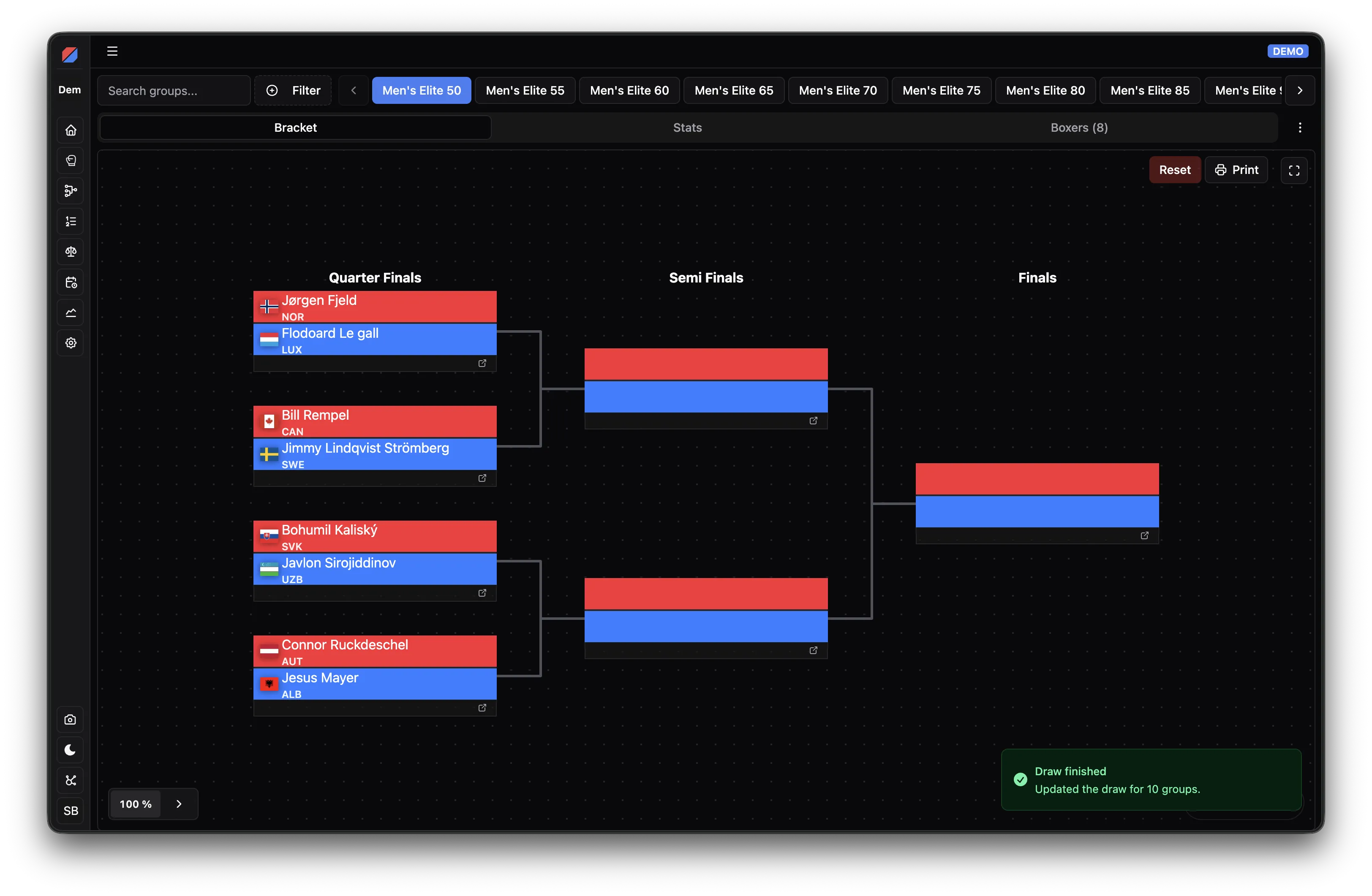
From the Groups tab, click Draw all groups to draw every eligible group in one action. Groups that are not eligible are skipped and reported.
Step 5: Work with matches after the draw#
Placing the first boxer in a bracket (by hand or with the animated draw) generates the matches for that group, as do Lock and an instant Place boxers. From then on the group is locked: you cannot add or remove boxers in it unless you reset the group draw. You can keep placing the remaining boxers after the lock.
Generated matches are placed according to your preliminary plan as well as possible. Fine-tune placements in the Planning page under Real plan, or move matches directly from the Match list page.
Step 6: Reset a draw#
If you must change participants in a drawn group, reset that group first. Resetting removes the generated draw and match structure so you can update participants and draw again.
Resetting a draw is only possible while no match in the group has started and no referees or judges are assigned. If a match has results or scoring activity, reset that match first. If officials are assigned, remove them first.